

FFXIV Penumbra fantasy modding scene with a cat-eared character overlooking a floating sky city
FFXIV PENUMBRA HELP CENTER

FFXIV Penumbra.

Install it. Set up mods.
Fix problems fast.

Clear, beginner-friendly help for installing Penumbra, managing your mods, and solving common FFXIV modding issues.

Start Installation
Already installed Penumbra? Continue to setup
YOUR JOURNEY STARTS HERE

What do you want to do with Penumbra?

Choose the task that matches where you are right now. We’ll take you to the right guide with clear, step-by-step instructions.

Fantasy city inspired by the world of FFXIV
SETUP GUIDE

Start from where you are.

Choose your current situation and we’ll take you directly to the right Penumbra guide.

SEE THE DIFFERENCE

See What Penumbra Lets You Change.

Compare character, gear, weapon, and environment mods and see how Penumbra helps you apply and manage them.

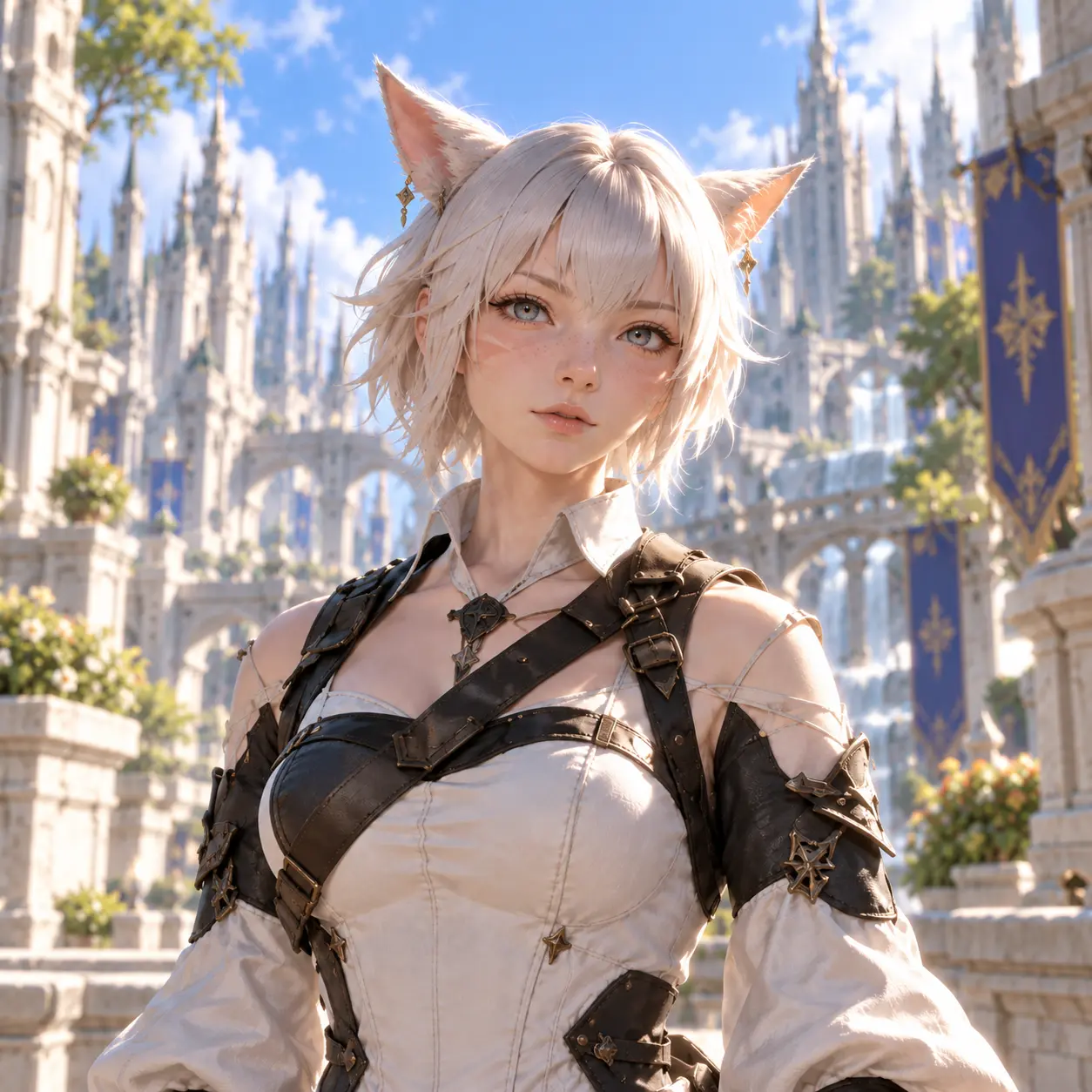
Character appearance without a visual mod
Without Mod Original appearance
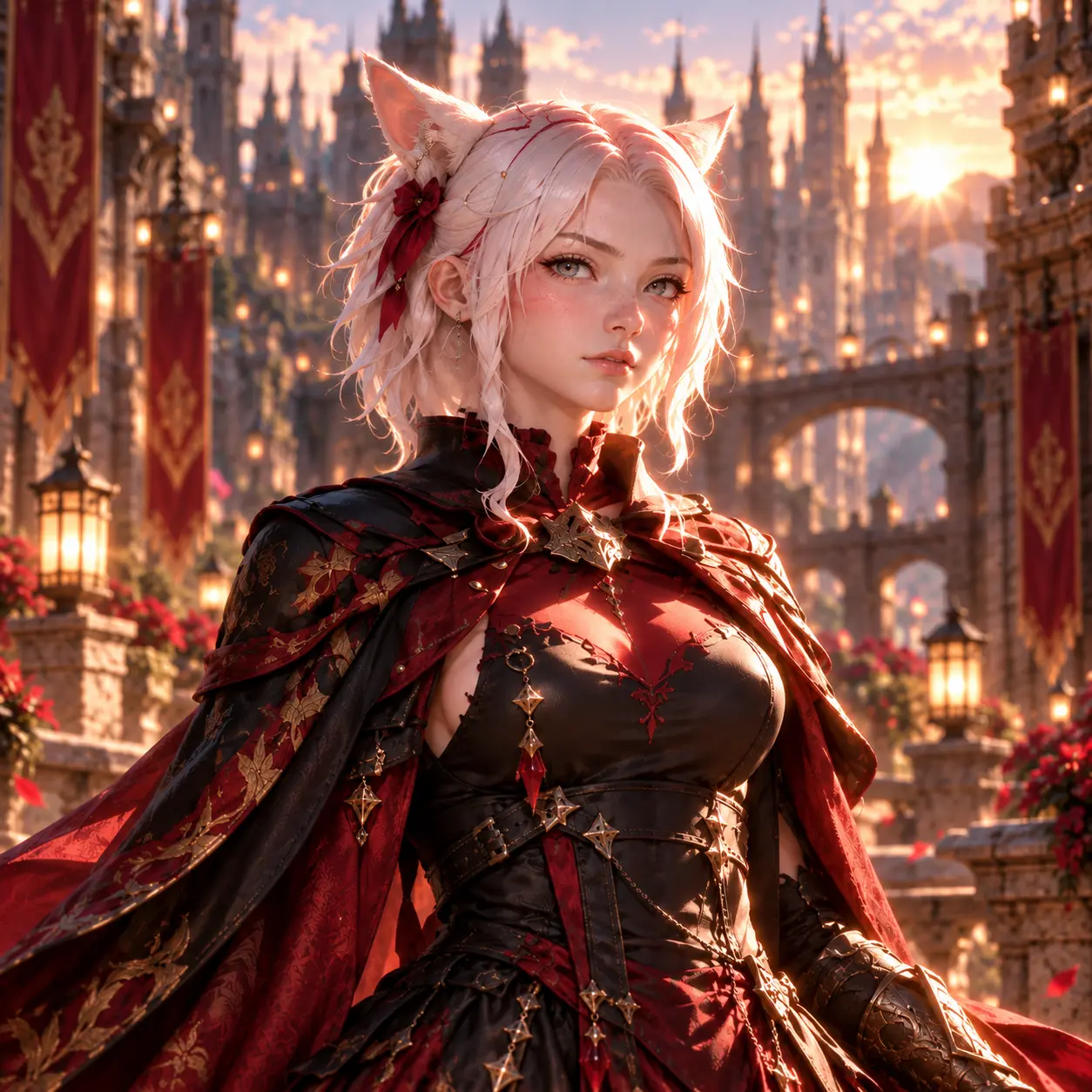
Character appearance with a visual mod managed through Penumbra
With Mod Managed with Penumbra
Visual Examples See how different mod types can change your game.
Easy to Switch Enable or disable configured mods when needed.
Collections Keep different mod setups organized clearly.
Flexible Setup Build a setup that matches how you want to play.
✦ TROUBLESHOOTING

Common Problems & Quick Fixes

See which problem matches your issue, then open the troubleshooting hub for the full fix.

Penumbra Not Loading

Can't find Penumbra in Dalamud or it won't load correctly.

Mods Not Showing

Mods are enabled, but you can't see the changes in-game.

Textures or Models Missing

Textures or models look broken, invisible, or incomplete.

Game Crashes

FFXIV crashes after enabling Penumbra or a new mod.

Mod Conflicts

Two mods are overriding each other or displaying incorrectly.

Problem After an Update

Penumbra or Dalamud stopped working after an FFXIV update.

Still not sure what's wrong? Open the full troubleshooting hub for deeper help.
View Troubleshooting →
FFXIV PENUMBRA GUIDE

FFXIV Penumbra

Penumbra is a runtime mod manager for Final Fantasy XIV that works through Dalamud. It gives players a cleaner way to import, organize, enable, disable, and prioritize supported visual mods without permanently replacing the game's original files.

What Is FFXIV Penumbra?

FFXIV Penumbra is a Dalamud plugin used to load and manage supported mods for Final Fantasy XIV while the game is running. Instead of permanently overwriting the original game files, Penumbra handles supported visual changes through its own mod-management system.

This makes everyday mod management easier. You can keep your mods in one place, enable or disable them when needed, change their settings, organize different configurations, and control which mod should take priority when two modifications affect the same game resource.

Penumbra is a mod manager. It is not a game launcher and it is not a website for downloading mods.

How Does FFXIV Penumbra Work?

Penumbra runs inside the Dalamud plugin environment. After Penumbra is installed, supported mod packages can be imported into its interface and managed from there. Penumbra keeps track of settings such as whether a mod is enabled, which options are selected, and how its priority compares with other installed mods.

Dalamud and XIVLauncher

Dalamud provides the plugin environment that Penumbra needs in order to run. Many players use XIVLauncher to start Final Fantasy XIV with Dalamud available. Penumbra can then be installed through Dalamud's plugin system.

If you are starting from the beginning, use our Penumbra installation guide first. After installation, continue with the setup guide to configure the important options.

Changes Are Managed at Runtime

Penumbra applies supported visual changes while the game is running. That makes it much easier to test different setups, switch mods on or off, and make adjustments without repeatedly replacing the same files by hand.

What Can You Do With Penumbra for FFXIV?

Penumbra can manage many types of supported visual modifications, including changes involving character appearance, equipment, textures, models, materials, and other game assets used by compatible mods.

✓ Import and organize supported mods
✓ Enable or disable individual mods
✓ Select options included with a mod
✓ Maintain different mod configurations
✓ Control priority when mods overlap
✓ Keep larger mod setups easier to manage

If you want to understand the complete workflow, continue to our FFXIV Penumbra mods guide .

Mods, Collections, and Priorities

Three concepts become especially important as your Penumbra setup grows: mods, collections, and priorities. Understanding these makes it much easier to organize your setup and troubleshoot unexpected results.

Why Mod Priorities Matter

Two enabled mods can sometimes affect the same resource. When that happens, priority helps determine which modification should take precedence. This lets you resolve many conflicts without immediately deleting one of the mods.

Collections Keep Setups Organized

Collections allow different groups of enabled mods to be organized separately. Instead of treating your entire mod library as one fixed configuration, you can maintain different setups and assign the appropriate collection where it is needed.

Our Penumbra setup guide covers the basic configuration and collection workflow in more detail.

What Do You Need Before Installing Penumbra?

Before installing Penumbra, you need a working Dalamud environment. Penumbra is installed as a Dalamud plugin rather than as a normal standalone Windows program.

If XIVLauncher and Dalamud are already working, installing Penumbra is relatively straightforward. If you are completely new to the process, start with our Install Penumbra guide and follow the steps in order.

What If Penumbra Is Not Working?

If Penumbra is installed but something is not working correctly, avoid reinstalling everything immediately. Common causes include the wrong collection being active, a mod being disabled, another mod overriding the same resource, an incorrect priority, or a temporary compatibility problem following a game or Dalamud update.

Visit our Penumbra troubleshooting section for problem-specific fixes covering missing mods, collections, conflicts, update problems, and visual issues.

NEXT STEP Ready to continue?

Choose the guide that matches what you want to do.

PLAYER QUESTIONS

Penumbra Questions, Answered Clearly.

Clear answers to the questions players ask most about Penumbra. Get the information you need without digging through long guides.

Penumbra runs as a Dalamud plugin, so Dalamud must be available for Penumbra to work. Most players use XIVLauncher to launch FFXIV with Dalamud enabled.

Start with XIVLauncher and Dalamud, add the Penumbra custom plugin repository in Dalamud, then install Penumbra through the Dalamud plugin installer. Our installation guide walks through each step.

Open installation guide →

Open Dalamud Settings, go to the Experimental section, and add the Penumbra repository under Custom Plugin Repositories. After saving it, Penumbra can appear in the Dalamud plugin installer.

See repository steps →

Import the supported mod package into Penumbra, configure it if options are available, and enable it for the collection you want to use. Penumbra then manages the visual changes through that collection.

Learn about using mods →

Check that the mod is enabled in the correct collection, that the collection is assigned where you expect it, and that another mod with a higher priority is not overriding the same files.

Troubleshoot missing mods →

Collections let you organize groups of enabled mods and apply different setups where needed. They make it easier to keep separate looks or configurations without constantly changing every mod manually.

Learn about collections →

Major FFXIV updates can temporarily affect Dalamud plugins. Make sure XIVLauncher, Dalamud, and Penumbra are up to date before troubleshooting individual mods.

Check update problems →

Yes. You can disable Penumbra through Dalamud or remove the plugin later. When Penumbra is not running, the visual mods it manages are no longer applied.